
Deals history
In the cabinet: the “Spot bots” section, the “Deals History” page. Open in the cabinet.
This page shows spot bot deals completed in the last month, with the result of each.
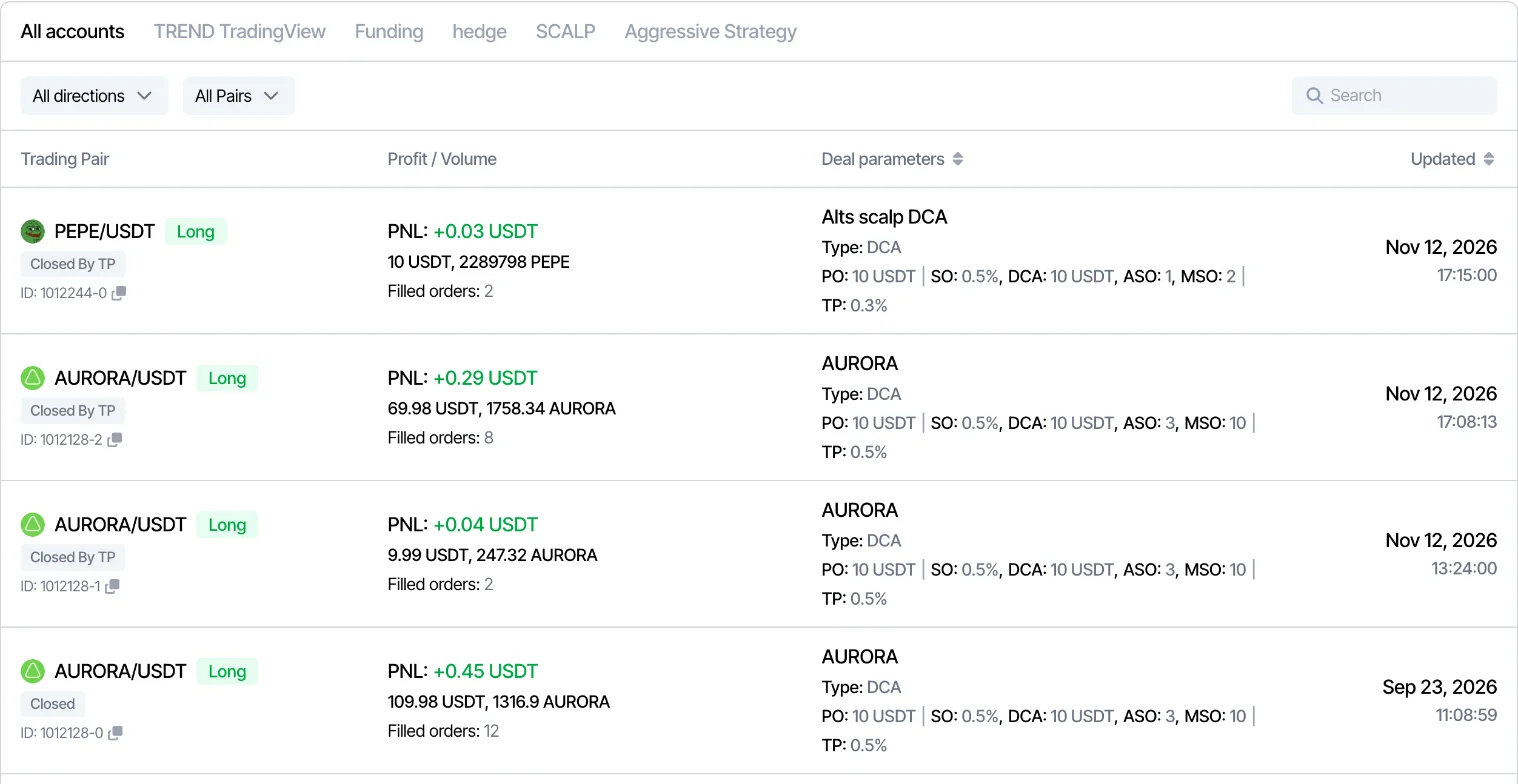
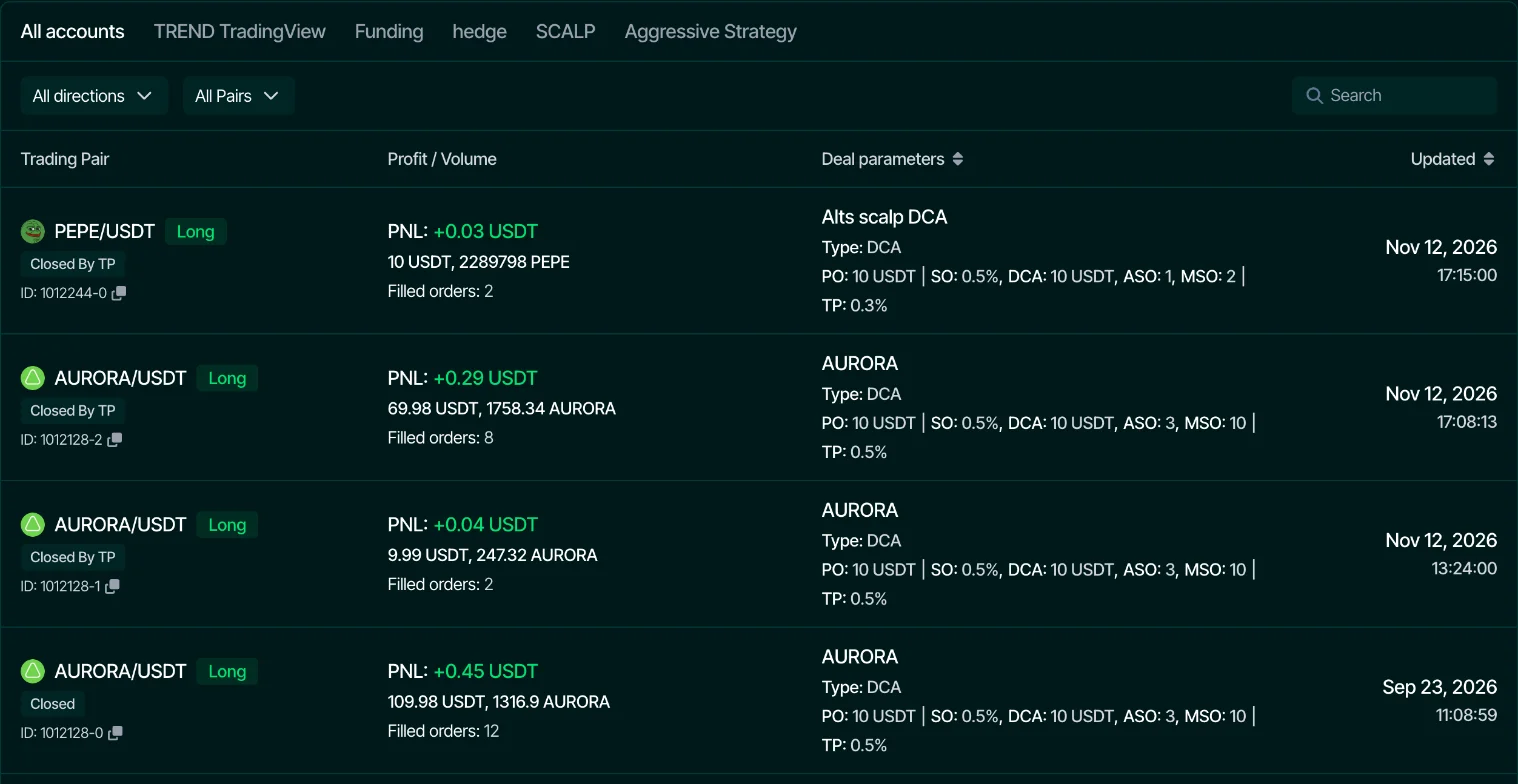
Filters
Section titled “Filters”Account tabs: “All accounts” and one per exchange account. Lists “All directions” (Long or Short) and “All Pairs”. The search field is on the right.
Table columns
Section titled “Table columns”“Trading Pair”. The pair, direction, deal outcome and deal ID. The outcome shows how the deal ended, for example:
- “Closed By TP”: the coins were sold by take profit;
- “Closed Forced”: the deal was closed with the “Force close deal” button;
- a cancelled deal sold nothing. It was cancelled with the “Cancel deal” button, its first order did not fill, or there was nothing to sell.
“Profit / Volume”. The deal PNL in USDT after fees, the deal volume in
USDT and in coins, and the number of filled orders. A cancelled deal shows
-- instead of PNL.
“Deal parameters”. The bot name, type and a summary of the settings. Hover over an abbreviation to see what it means:
| Abbreviation | Meaning |
|---|---|
| PO | first order volume |
| SO | safety order step |
| DCA | safety order volume |
| ASO | how many safety orders are on the exchange at the same time |
| MSO | maximum number of safety orders |
| L | limit on the number of successfully completed deals |
| TP | take profit |
| SL | stop loss and its delay |
“Updated”. The time the deal was completed.
If a deal ended differently from what you expected, open the bot page, “Logs” tab. It shows what the bot did during the deal.