
Bot list
In the cabinet: the “Spot bots” section, the “My Bots” page. Open in the cabinet.
This page lists all your spot bots. At the top you see how many bots there are in total and how many are active, and the “Create new bot” button. A new bot needs an open account on Binance or Bybit liquidity on Cryptorg. How to set up a bot is described on the Creating a bot page.
Filters
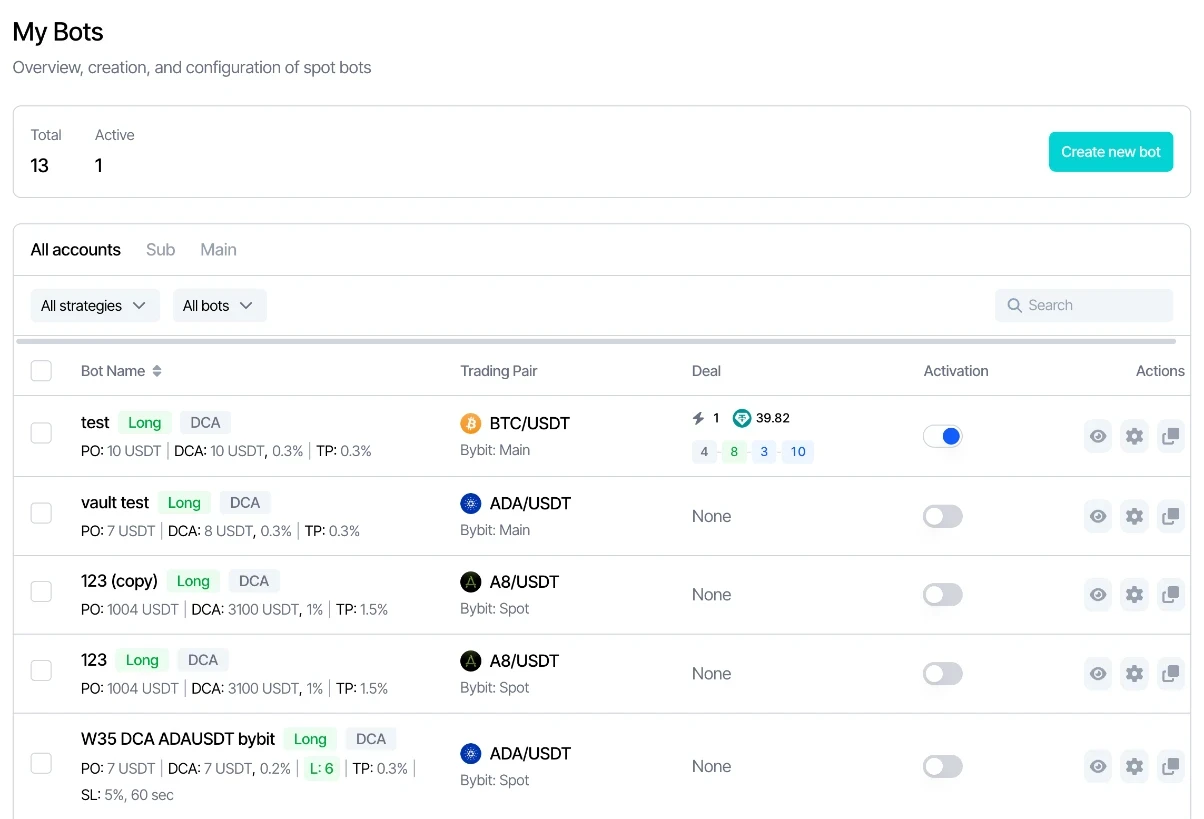
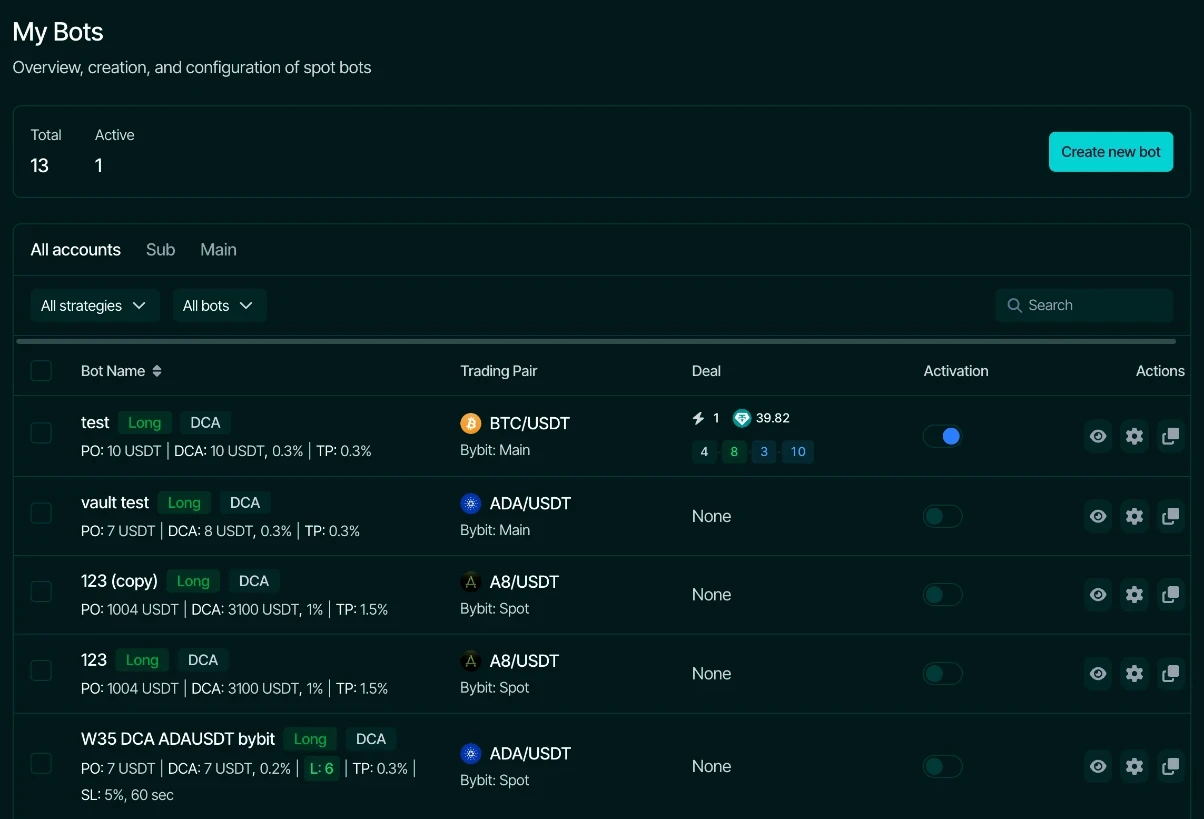
Section titled “Filters”Above the table there are account tabs: “All accounts” and one tab per exchange account. Below them are two lists: “All strategies” and “All bots”. The second one shows bots in one state: running, paused, stopped or drafts. The search field is on the right.
Table columns
Section titled “Table columns”“Bot Name”. The bot name, direction (Long or Short) and type DCA. Under the name there is a short summary of the settings; hover over an abbreviation to see what it means:
| Abbreviation | Meaning |
|---|---|
| PO | first order volume |
| DCA | safety order volume and averaging step |
| M | safety order volume multiplier, when it is above 1 |
| TP | take profit |
| L | limit on the number of successfully completed deals |
| SL | stop loss and its delay |
“Trading Pair”. The pair and the exchange account the bot works on.
“Deal”. “None” if there is no deal right now. If a deal is running, you see the number of active deals (lightning icon) and their volume in USDT. Below are four counters, from left to right: filled orders, placed orders, how many safety orders the bot keeps on the exchange at the same time, and how many there are in the settings.
“Activation”. The toggle turns the bot on and off.
“Actions”. Three buttons: the eye opens the bot page, the gear opens the settings form, and the copy button opens a form for a new bot with the same settings.
Bulk actions
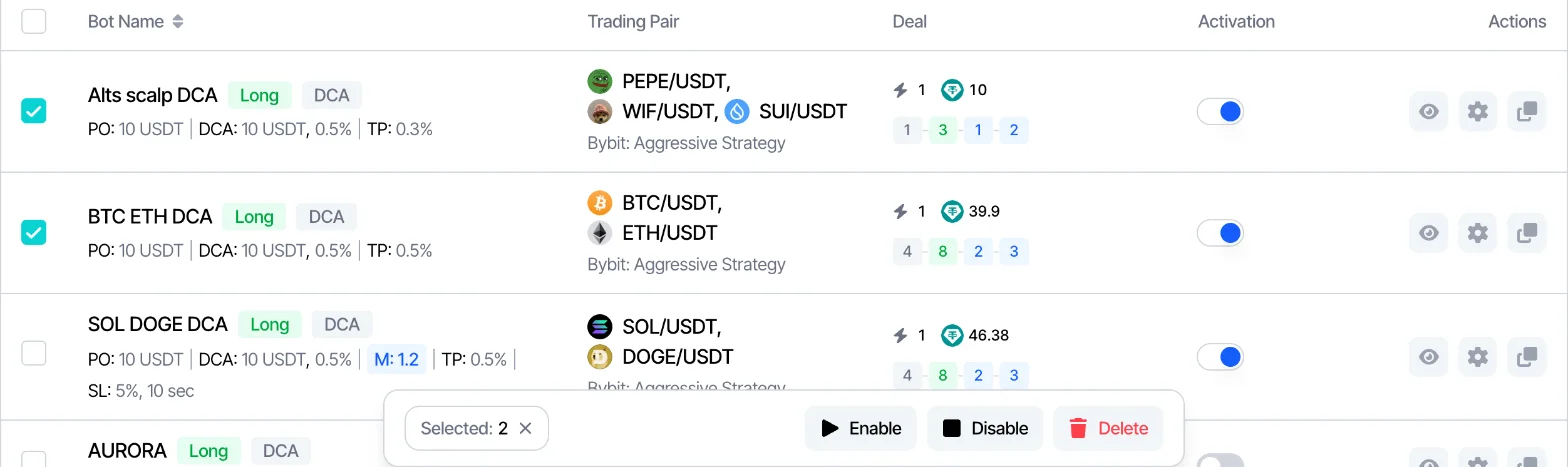
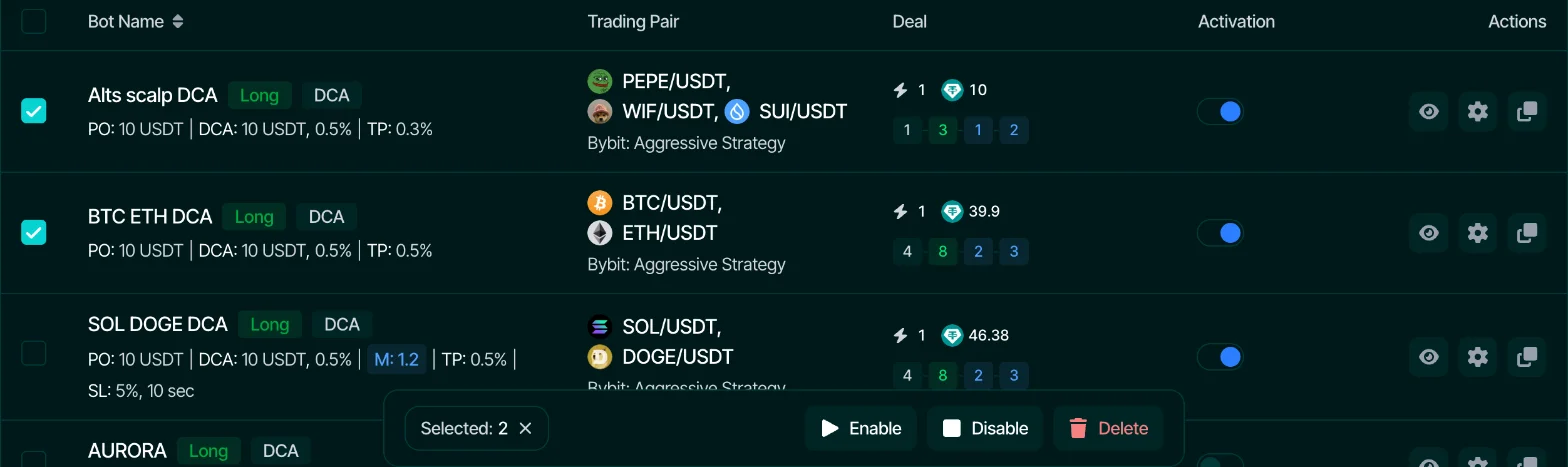
Section titled “Bulk actions”Tick the bots in the first column. A panel appears at the bottom with the number of selected bots and buttons to enable, disable or delete them. Deletion is confirmed in a separate dialog that shows how many bots will be deleted.
A bot that has an open deal or orders on the exchange cannot be deleted. Close or cancel the deal first.