
Working with signals
In the cabinet: the “General” block, the “Signals” page. Open in the cabinet.
A spot bot can open deals by signal and close them by signal. Signals are created in advance on the “Signals” page, and in the bot you only select them. The built-in Market shock signal does not need to be created; it is set up right in the bot form.
Opening by signal
Section titled “Opening by signal”In the bot form, on the “Opening” tab, choose the “By signal” entry condition. The “Open by signal” block has two options.
“Signal”. A deal opens when any of the selected signals fires. You can select up to 100 signals. Such a bot also opens a deal by the “Open” webhook; see Webhooks.
“Market shock”. A deal opens when the platform sees a sharp price move on
the bot’s pair. You set the impulse type (Pump, a price rise, or Dump, a
fall), the speed (a sharp shock move or a slow one) and the impulse power
in percent, from 0 to 1000. With 0, any impulse fits. The bot skips an
impulse older than 2 minutes.
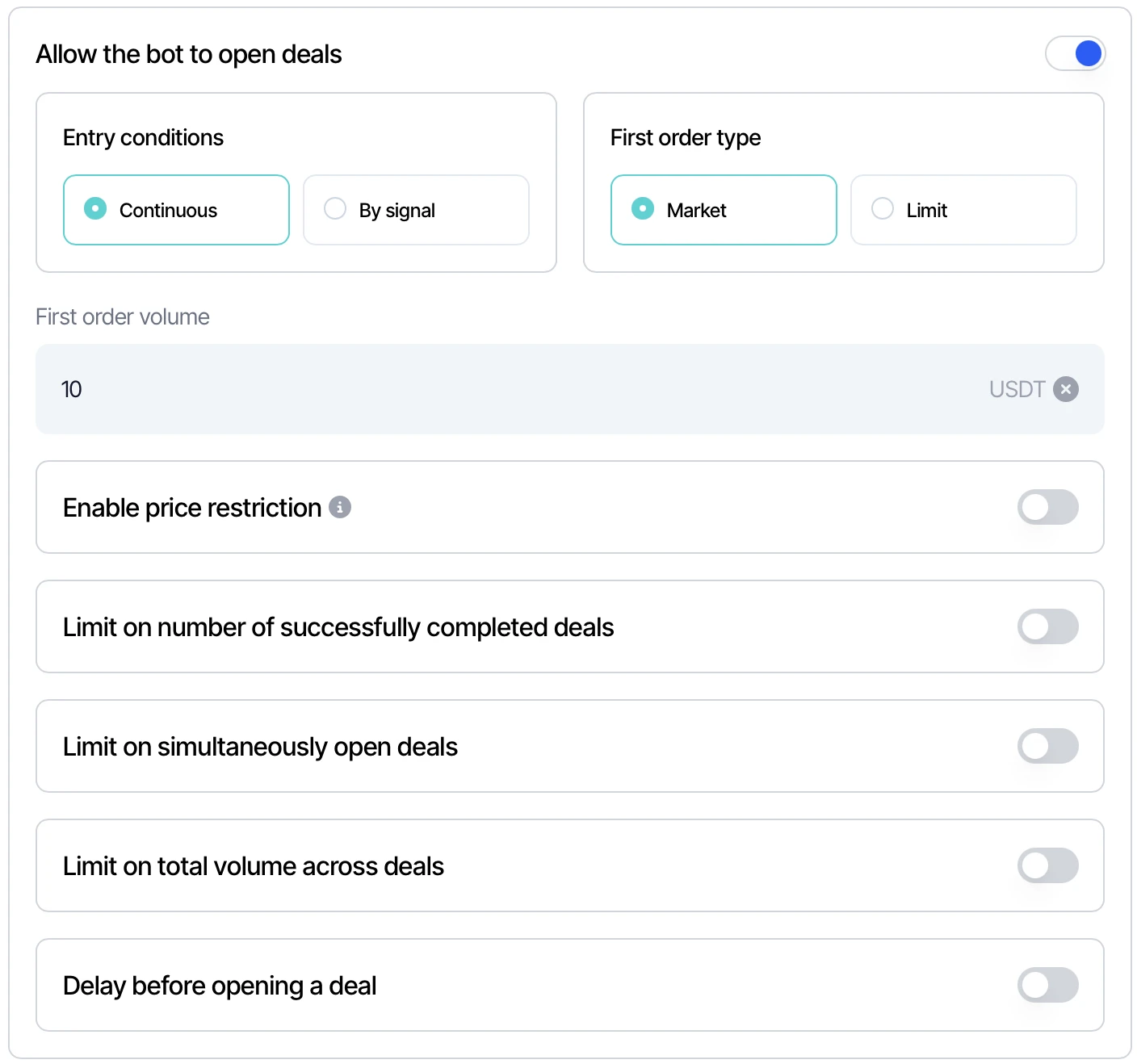
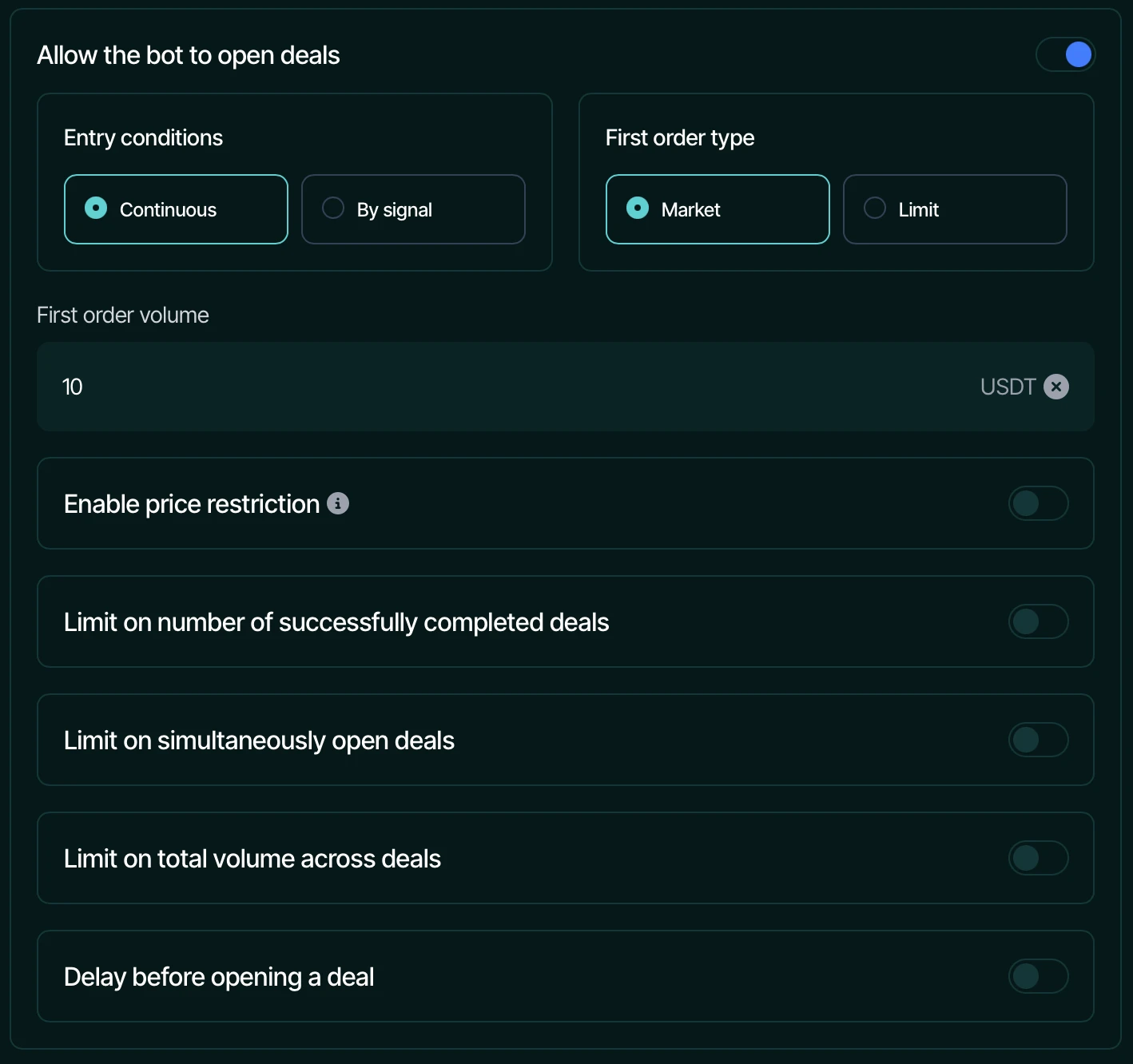
One signal opens one deal. After it closes, the bot waits for the next signal. A repeated signal while the first order has not filled yet does not open a second deal. The delay before opening a deal and the price restriction apply to signal entries too: the bot skips a signal that comes during the pause after the previous deal or when the price is outside the range.
Closing by signal
Section titled “Closing by signal”On the “Closing” tab, turn on “Ability to close positions by signal” and select signals, up to 100. When any of them fires, the bot removes its orders and sells the deal’s coins at market (Short buys them back).
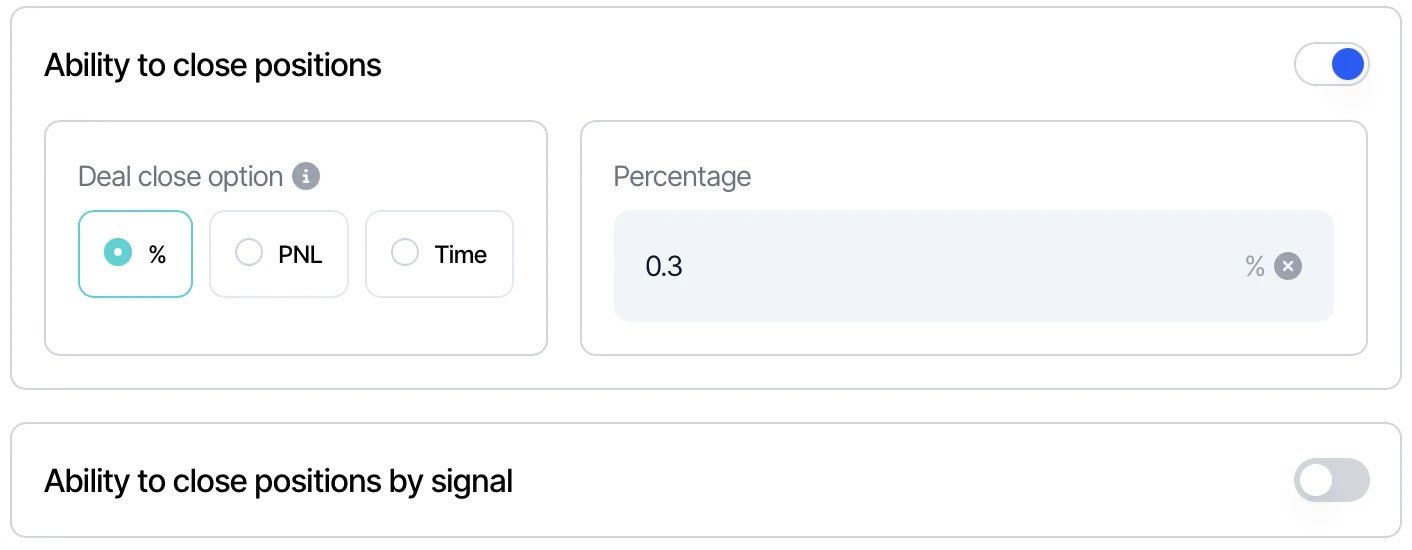
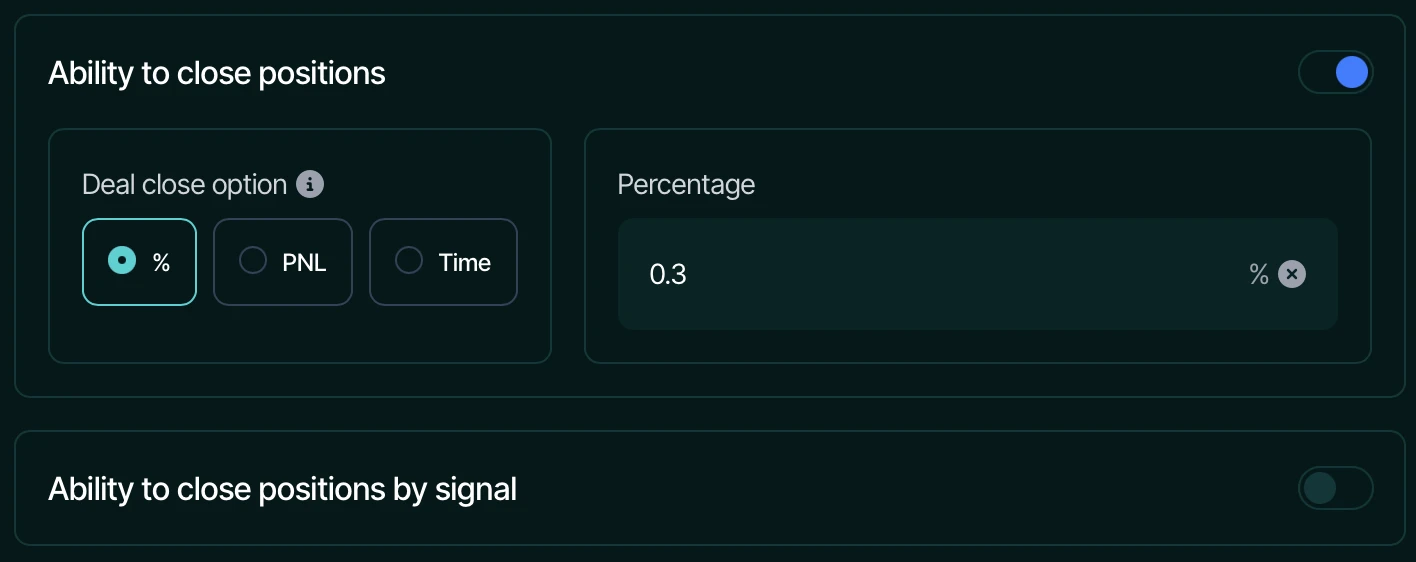
Closing by signal works together with the bot’s own closing: the deal is closed by whatever fires first: the take profit, PNL target or time, or the signal. If only closing by signal is on, a stop loss is required, otherwise the bot is not saved. A signal that opens this bot’s deals cannot be selected for closing.
This lets you build strategies with entry by one signal and exit by another, for example entering on oversold and exiting on overbought.
Signals page
Section titled “Signals page”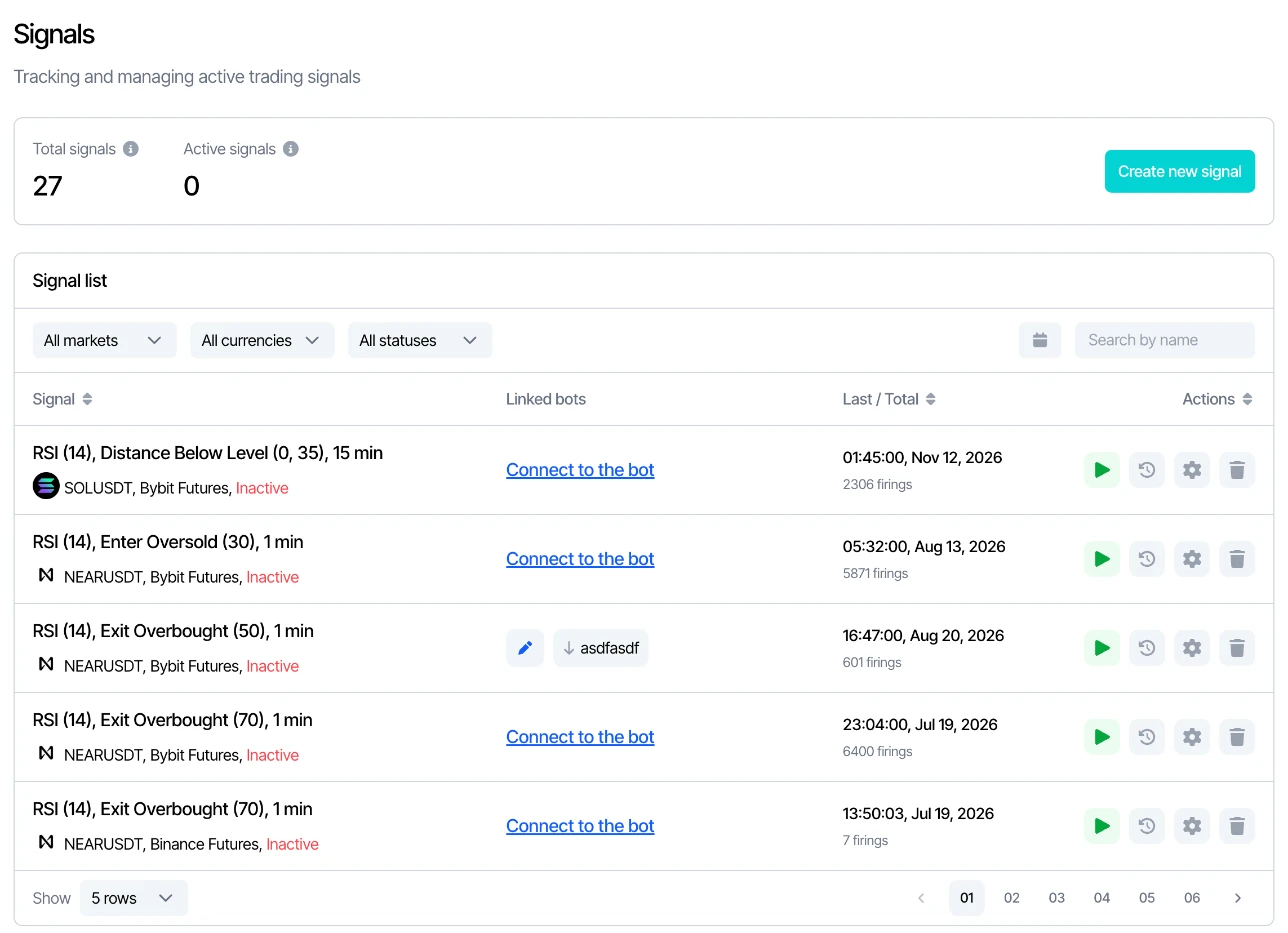
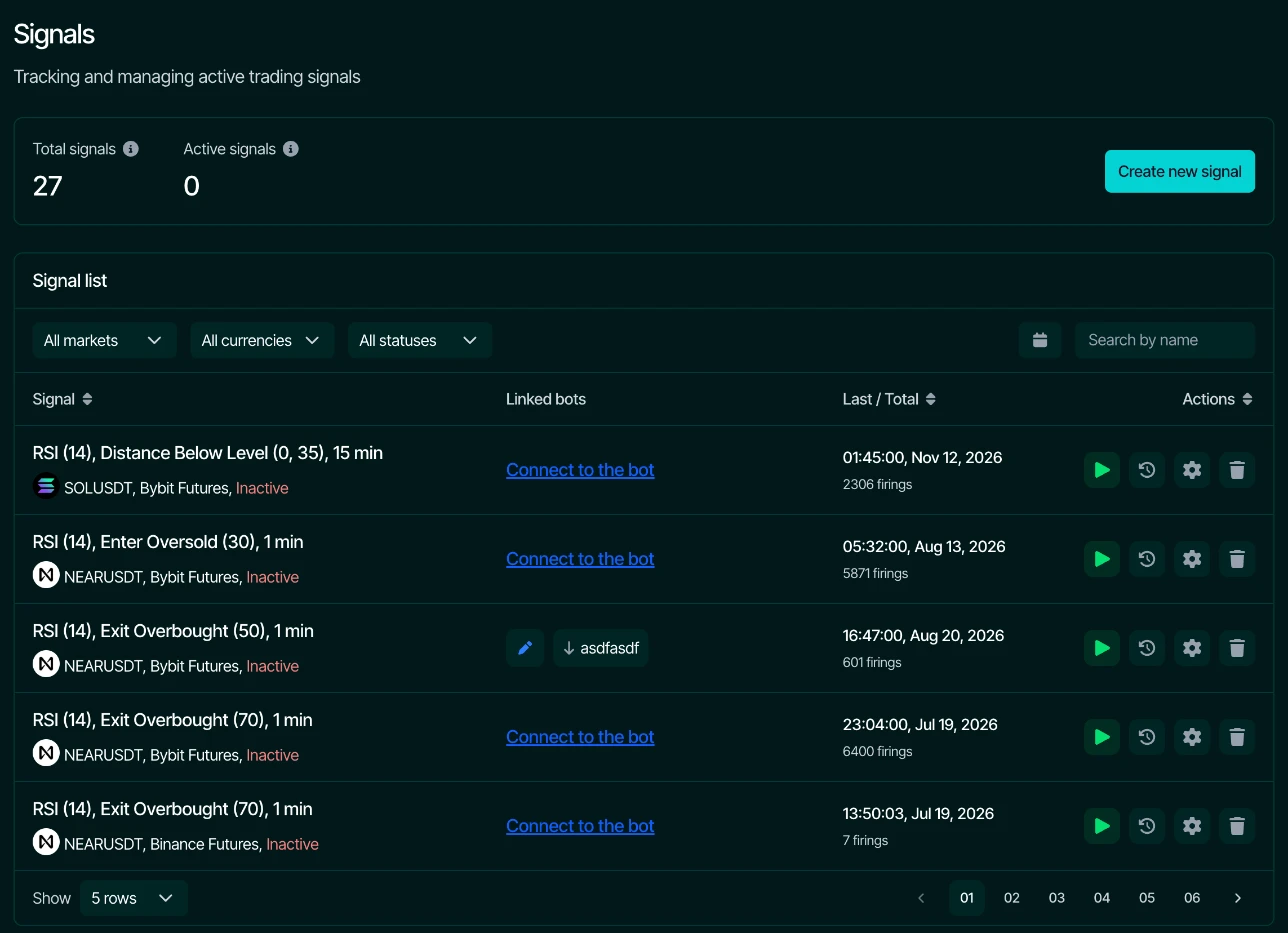
At the top are the “Total signals” and “Active signals” counters and the “Create new signal” button. You can filter the list by market (spot or futures), currency, status and date, and search by name on the right.
The table has four columns:
- “Signal”: the condition (for example “RSI (14), Enter Oversold (30), 1 min”), pair, market and status, active or “Inactive”;
- “Linked bots”: bots the signal is linked to, and the “Connect to the bot” link;
- “Last / Total”: the time of the last firing and how many times the signal has fired;
- “Actions”: activate or pause the signal, firing history, settings and deletion.
An inactive signal does not fire, and bots get neither entries nor exits from it.
You can link a signal to a bot in two ways: select it in the bot settings (“Opening” or “Closing” tab) or click “Connect to the bot” in the signal row.