
Deal limits
In the cabinet: the “Spot bots” section, the “Settings” page. Open in the cabinet.
Here you set, for each exchange account, how many deals spot bots can keep open at the same time and how much money they can put into them. The limits count the deals of all spot bots on the account together.
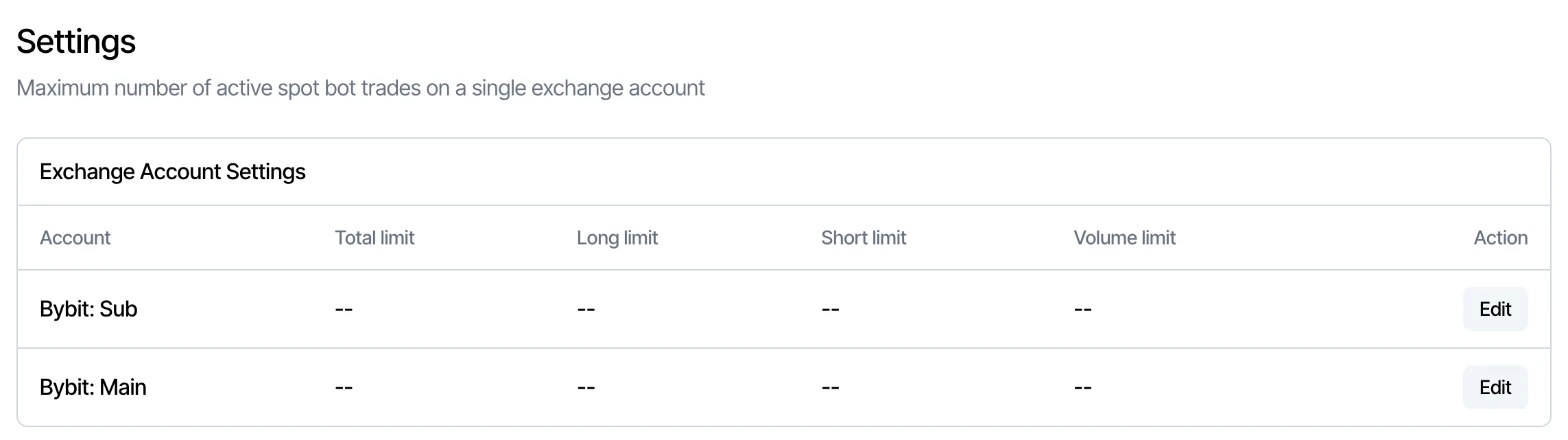
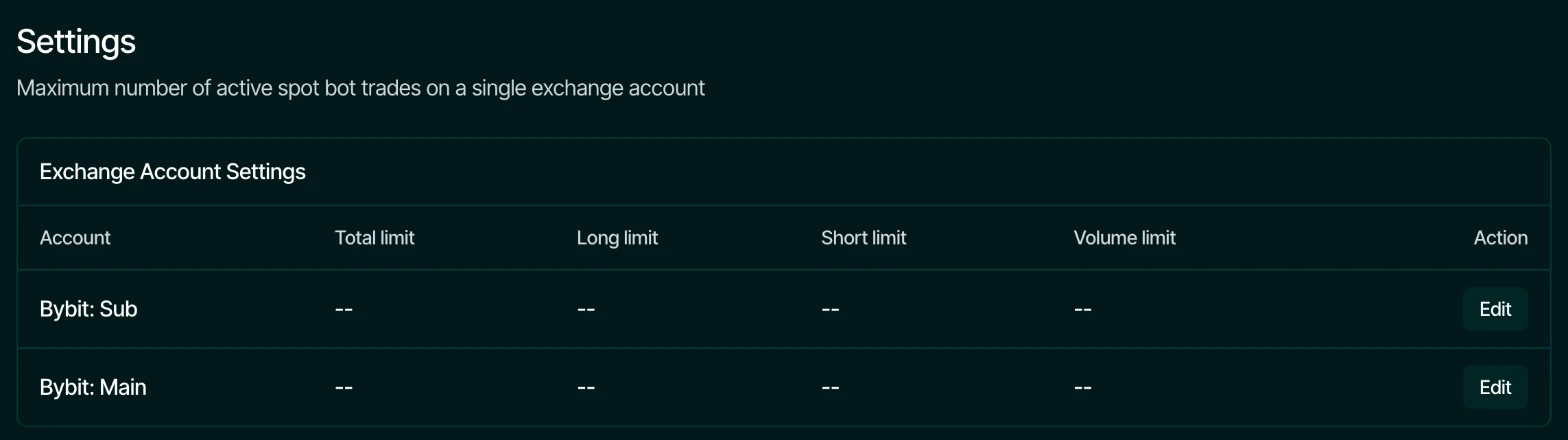
The table has one row per exchange account:
- “Account”: the exchange and the account name;
- “Total limit”: how many deals can be open on the account in total;
- “Long limit” and “Short limit”: separate limits for each direction;
- “Volume limit”: how many USDT can be put into all open deals of the account;
- “Action”: the “Edit” button.
-- in a cell means the limit is not set and deals are not limited by it.
How to change the limits
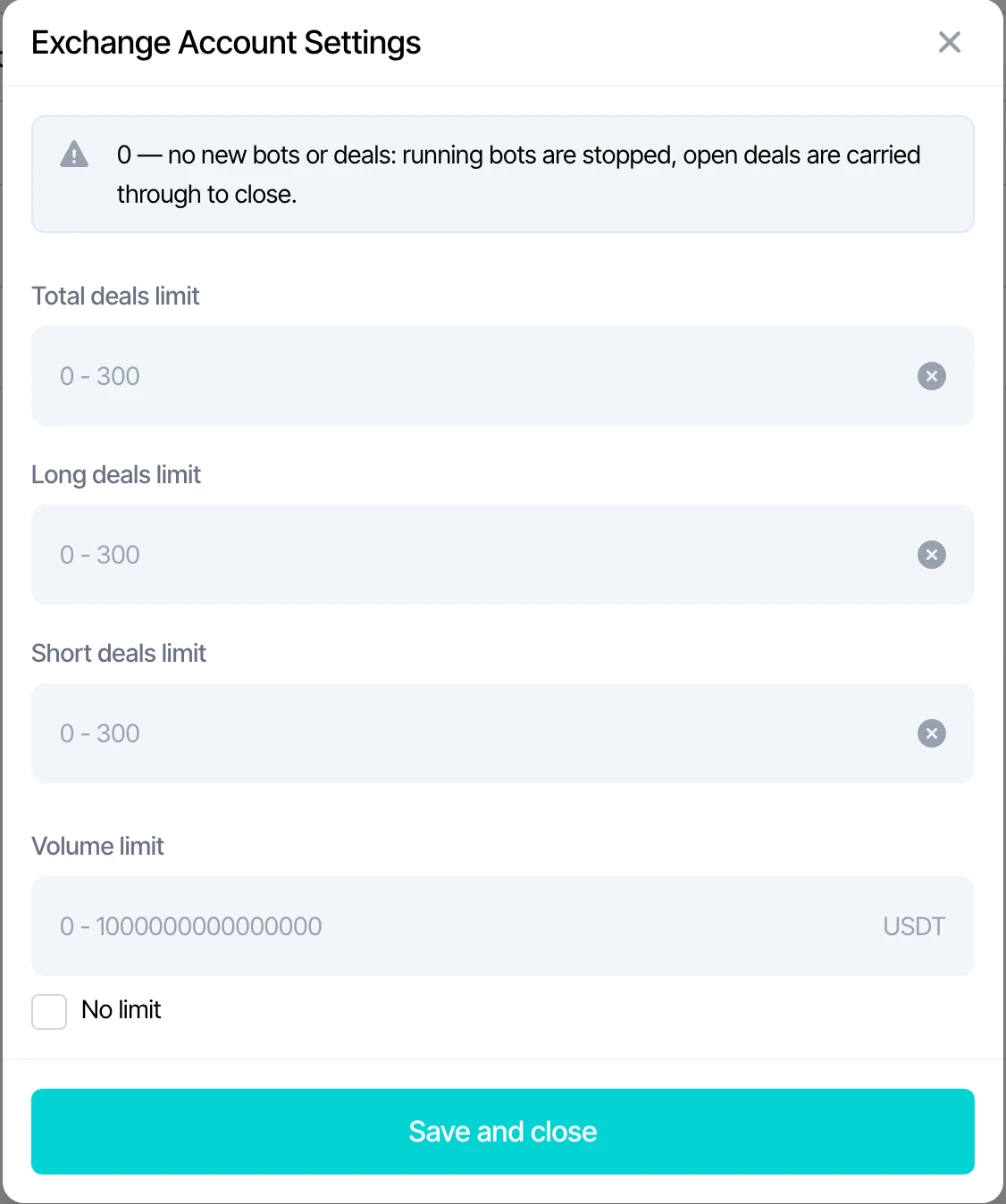
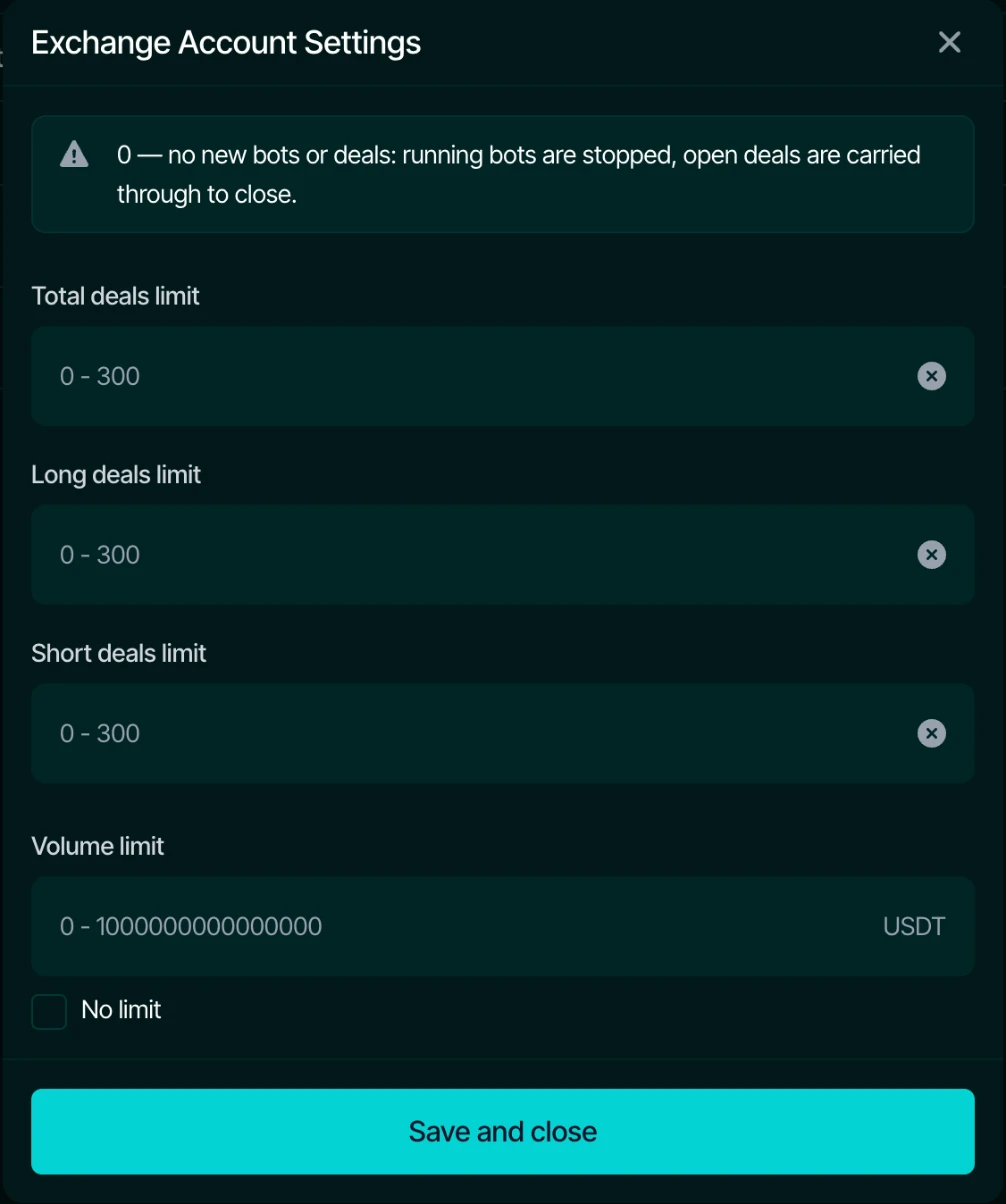
Section titled “How to change the limits”Click “Edit” in the account row. The window has four fields: “Total deals limit”, “Long deals limit” and “Short deals limit” from 0 to 300, and “Volume limit” in USDT. The “No limit” checkbox removes the volume limit. An empty field means the limit is not set.
How the limits work
Section titled “How the limits work”A limit is checked when a bot opens a new deal. If the limit is reached, the bot does not open the deal and tries again later. Safety orders, take profit and closing a deal that is already open are not stopped by the limits.
The Long and Short limits work inside the total one. If the total limit is 10, Long is 8 and Short is 5, there are still no more than 10 open deals on the account.
Volume is counted in USDT: how much is already invested in the account’s open deals plus the first order of the new deal. If the volume would go over the limit, the new deal does not open.
Each bot also has its own limits on the “Opening” tab: “Limit on simultaneously open deals” and “Limit on total volume across deals”. The stricter limit applies. A bot’s limit cannot allow more than the account limit.
New limits apply at once; you do not need to stop the bots. If there are already more open deals than the new limit allows, the platform disables some bots, starting with the most recently started ones. A disabled bot finishes its deal and does not open new ones. If only the volume limit is exceeded, no bots are disabled; they just do not open new deals.
When you need this
Section titled “When you need this”- A test account: a small limit keeps a trial bot from opening extra deals.
- An account for a cautious strategy: a strict volume limit keeps investments within set bounds.
- Webhooks and external signals: a limit protects against a bug in a script that sends commands repeatedly.